RedBook+
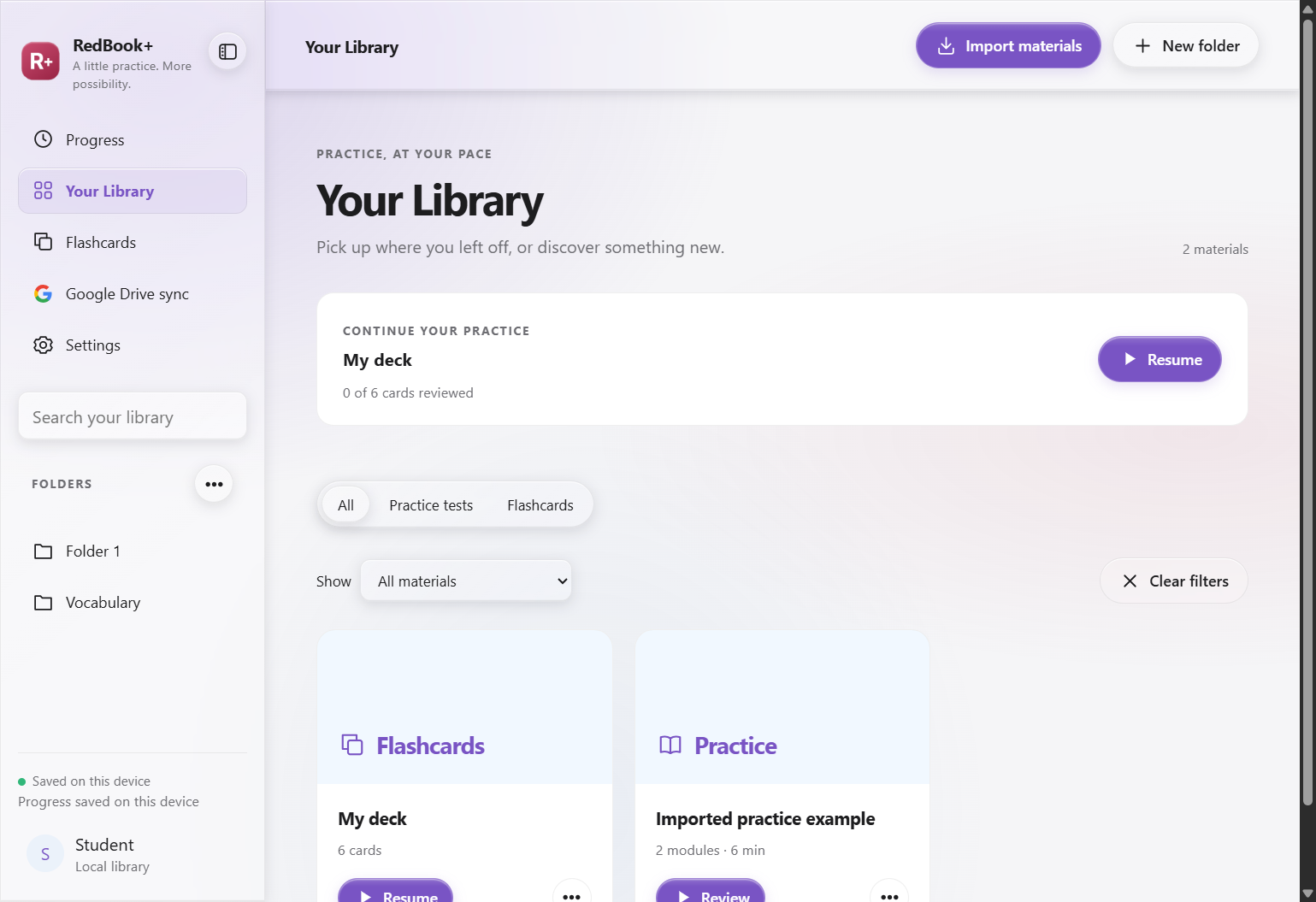
Organize your library, practice timed questions, and review shuffled flashcards. Leave whenever you need to, then pick up right where you stopped.
- Flashcards
- Saved progress
- Custom themes

YOUR NEXT CHAPTER · 0.4.10
A calm space to learn. A thoughtful space to create. Your questions, flashcards and progress—all together.
Windows · Linux · Android · Free to download

THE REDBOOK COLLECTION
Two apps that turn your materials into a place to grow.
Organize your library, practice timed questions, and review shuffled flashcards. Leave whenever you need to, then pick up right where you stopped.

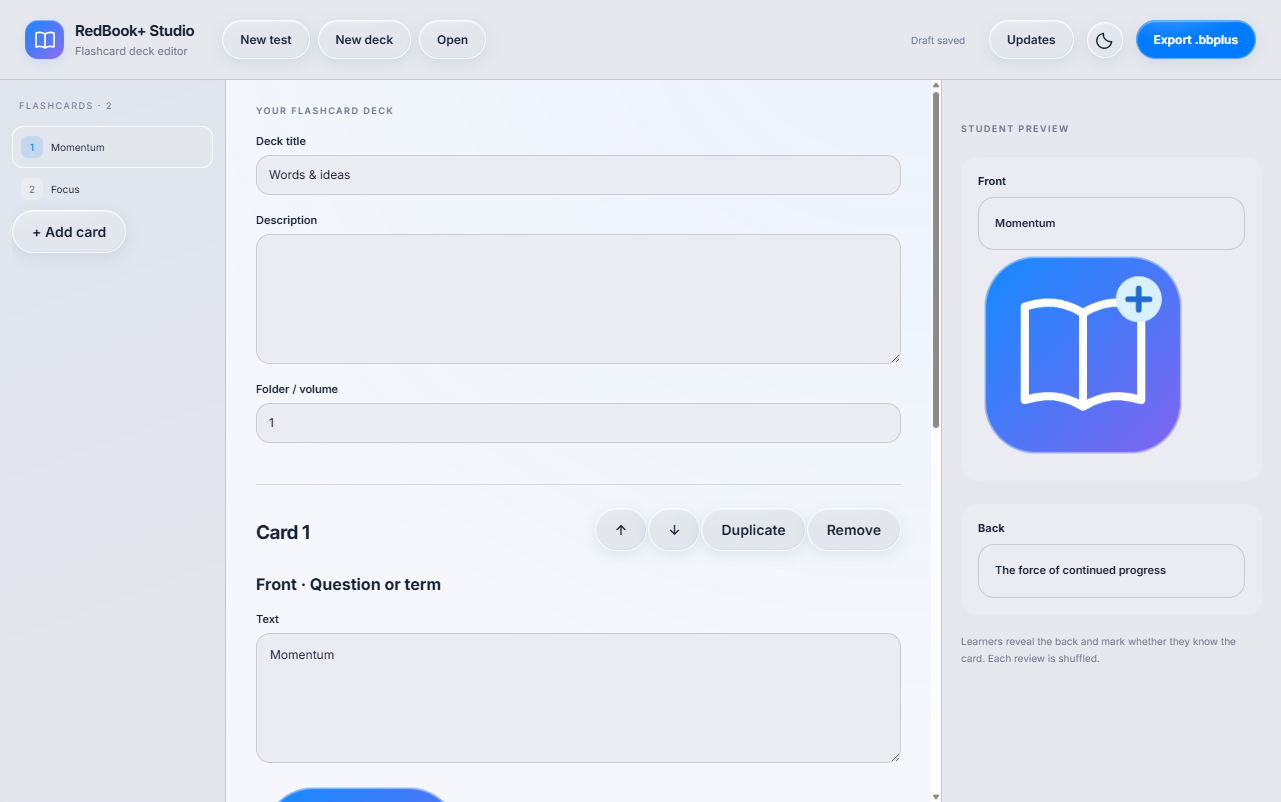
Build reading and math tests, or create flashcard decks with text and images on either side. Preview your work and share a single .bbplus file.

LESS FRICTION. MORE FOCUS.
A few useful things that help you stay with the work in front of you.
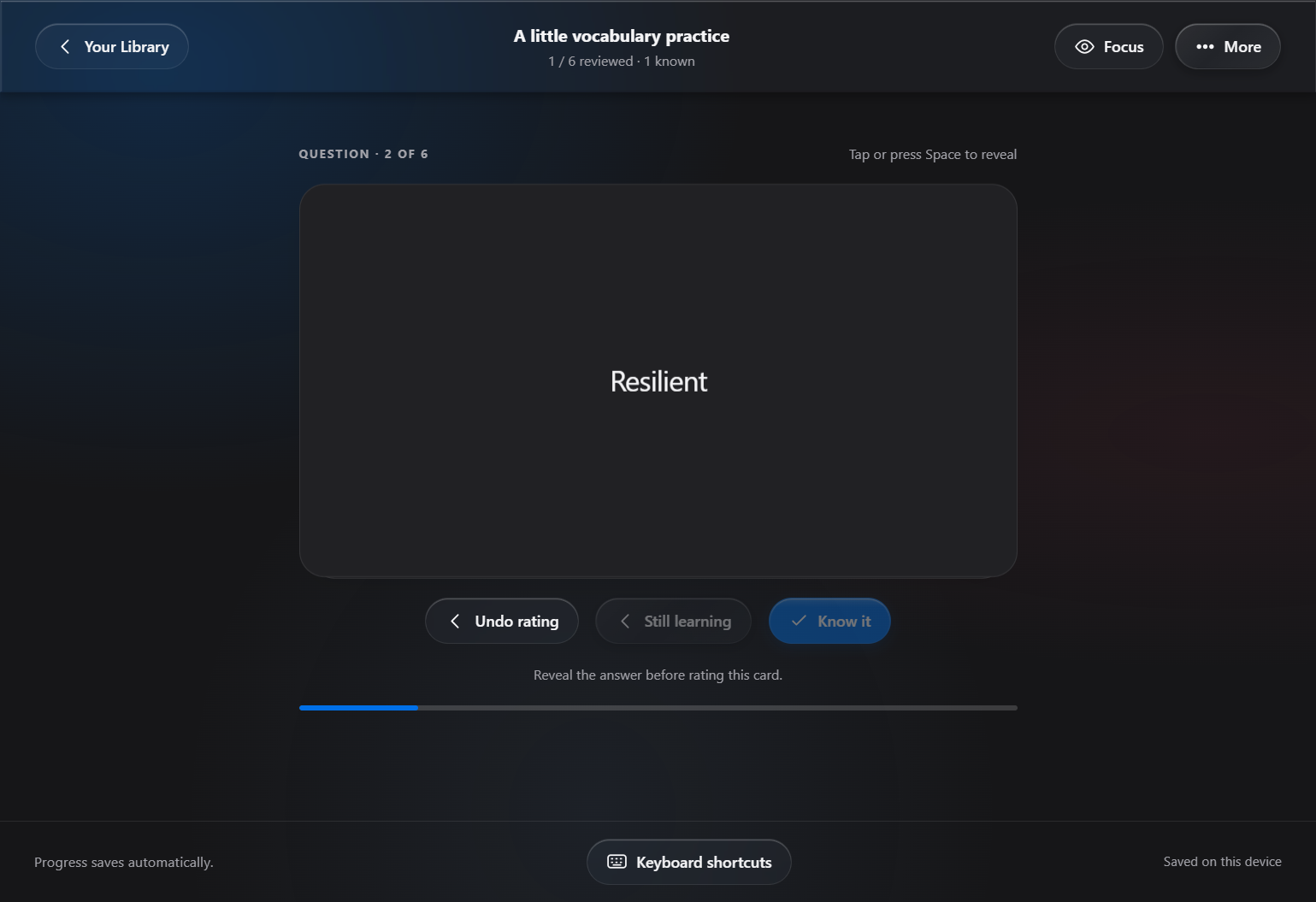
Shuffle your deck, reveal each answer, and mark what you know. Review the cards that still need a little practice.
Choose a theme or customize your colors. Adjust reading size, use reduced motion, and select a supported interface language.
Resume unfinished reviews and tests. Optional Google Drive sync saves dated library states you can restore later.
READY WHEN YOU ARE
Latest release 0.4.10
Your practice library, at your pace. Rust desktop app.
Download for WindowsPortable .exe · 21.8 MB · 0.4.10Open the downloaded file to start. No separate installer needed.
An AppImage preview for Debian and other Linux desktops.
Download AppImageAppImage · 64-bit · 126.3 MB · 0.4.9Make the file executable, then open it. Linux preview uses Electron; device testing is pending.
Your study space on phones and tablets.
Download for AndroidAPK · Android 8.0+ · 16.6 MB · 0.4.10Install the APK and follow Android’s installation prompt.
Create tests and image-rich flashcard decks.
Download StudioPortable .exe · 139.6 MB · 0.4.3Open the downloaded file to start. No separate installer needed.
Downloads open in Google Drive. Available for Windows, Linux and Android.
What’s new in 0.4.10 ↗Preview builds: Windows apps are unsigned; Android uses the existing development signing identity. Linux is a preview awaiting Debian launch testing. macOS and iOS builds are not available.
A FEW USEFUL ANSWERS
Yes. Imported materials, practice sessions, flashcard reviews and Studio editing work locally. Google sign-in, Drive sync and downloads need an internet connection.
Open More in a flashcard review and choose Save and exit. Choose Resume in your library to return to the same card, with your order and ratings preserved.
Connect Drive in Settings to merge your library and save dated states. Restore an earlier state when you need it. Windows and Android currently use different Google Cloud projects and separate Drive libraries.
Yes. Add PNG or JPEG images to either side of a flashcard, or to a practice question. Images travel inside the exported .bbplus file.
Core controls support English, Uzbek, Russian and Turkish. Some help and dynamic text remain in English. Your imported content keeps its original language.
No. RedBook Solutions is independent of College Board. The app does not deliver official exams or produce official SAT scores.